 ProducerSpark
Home / Features / Add emails to a spreadsheet
Upload a spreadsheet. Get it back with emails.
1Attach your spreadsheet. Keep “Find business emails” ticked.
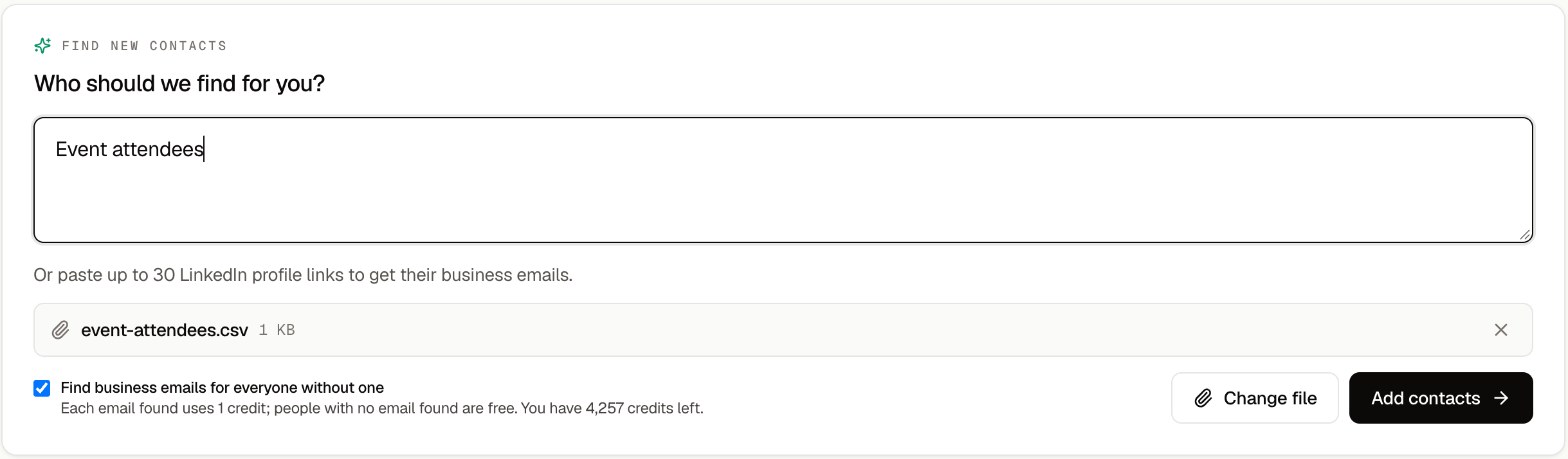
2ProducerSpark adds the people and starts finding their emails.

3The emails fill in, each marked with its status.
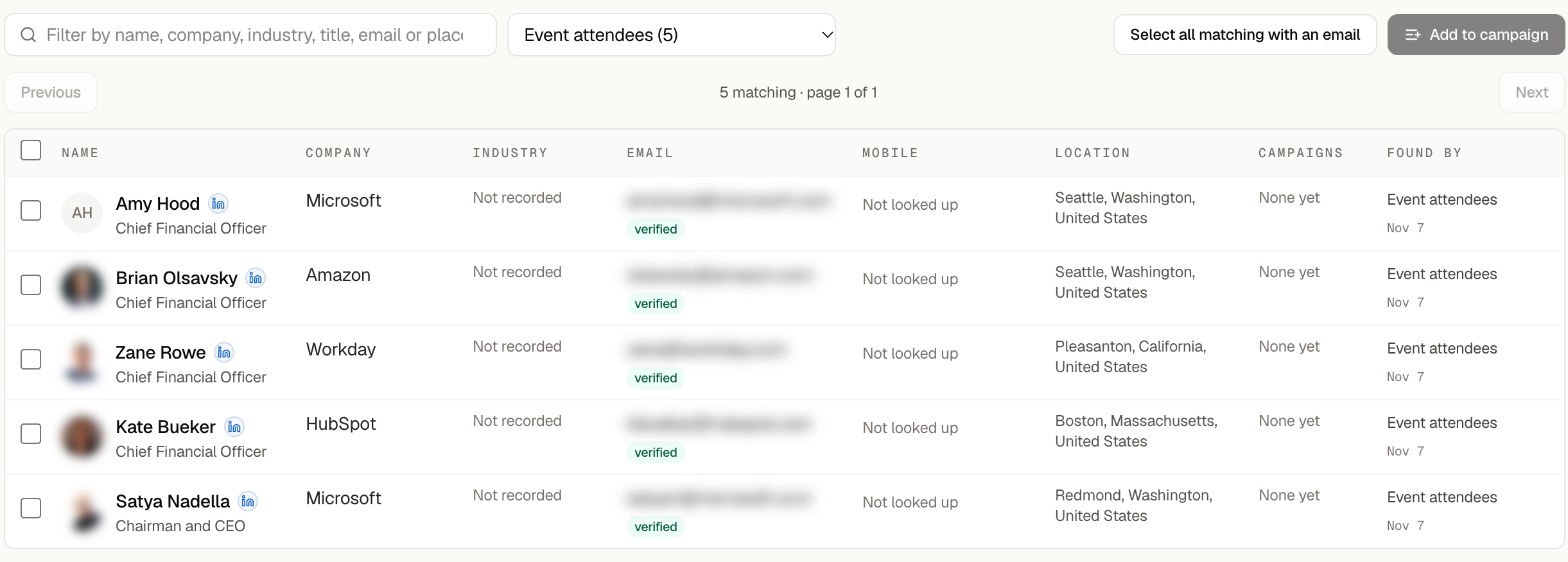
4Download the list as Excel, or add it to a campaign.

Shown in a live account with a five-person file. Contact details blurred.
Upload a CSV or Excel file of up to 5,000 rows and 5 MB. ProducerSpark looks up every row that has a LinkedIn profile URL and adds the business email. You pay one credit per email found.